
We’re used to seeing technologies move with the times, and it’s likely among Hackaday readers are the group who spend the most time doing that and are most aware of it. There’s one which we’ll all be aware of which has quietly slipped away for most of us almost without a word, I speak of course of 32-bit computing. For most of us that means 32-bit computing on x86 machines, and since the 64-bit x86 instruction set we all now use has been around for nearly a quarter century, its 32-bit ancestor is now ancient history.
In the world of software that means we’re now in an era of operating systems and browsers dropping 32-bit support, so increasingly keeping a 32-bit machine up to date will become a challenge. That sounds like something just painful and difficult enough to subject to a Daily Drivers piece, so just how practical is it to use a 32-bit machine for my daily work in 2026?
2005 Just Gave Me A Computer
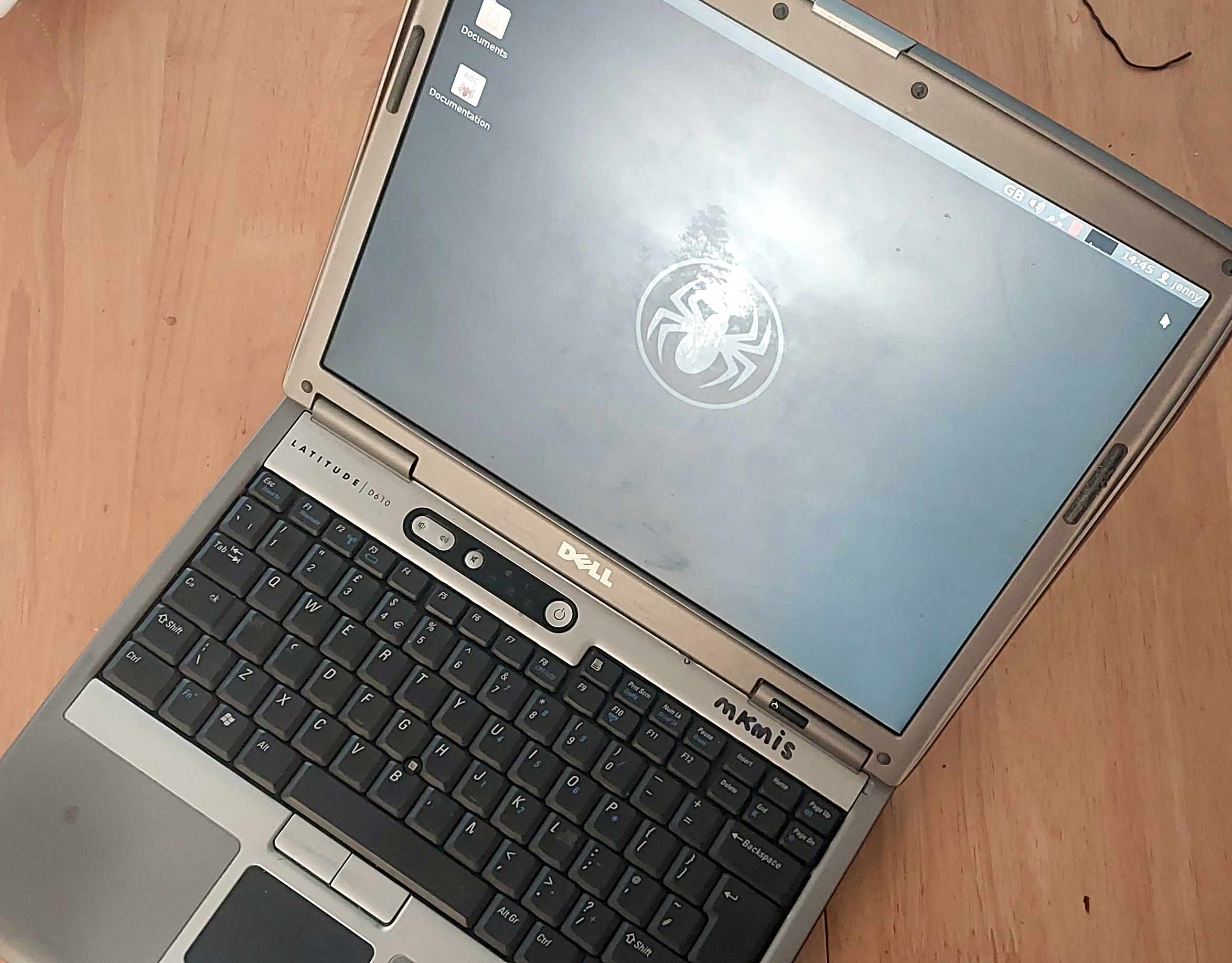
On my desk I have a Dell Latitude D610. It was made in about 2005 in the days when Dells were solidly made, and with its 1.6GHz Pentium M and 2Gb of memory it represents roughly the final throw of the dice for a 32-bit Intel laptop. Just over a year later it would have been replaced by one of the Intel Core series with the 64-bit instructions grudgingly adopted from AMD, but at the time it was a respectably useful machine.
It came into my possession about eight years ago when I used it to test the Revbank bar tab software for my hackerspace, and for the past six years it’s languished unloved in my box there. It’s got an ancient Ubuntu distro on it, so my first task is to pick a 32-bit replacement from 2026. That’s now a dwindling selection, so it’s time to start digging though some minimalist distros. With the supply of those based on mainstream distros drying up as they drop 32-bit support, it’s time to look into more esoteric offerings. This fits well with the ethos of this series, we’re all about the unusual here.
Cutting out the mainstream based distros certainly narrows the field, and out of the promising contenders in the minimalist field, I went for SliTaz. It uses Busybox and the Openbox desktop, that runs from RAM. I was looking for good application support in the repos, and this distro has the things I need. Download it, stick it on a USB stick, and let’s see what it can do. I know one thing, I wouldn’t have been able to download that ISO in five seconds with the internet connection I had in 2005.
SliTaz, A Tiny Distro That’s Really Useful
With a few of the type of quirks you’ll always encounter with a new distro, the SliTaz instllation process was pretty painless. It required me to use Gparted to partition the spinning rust on the Dell, but otherwise the installation was mostly a case of filling in standard responses you’d find on any distro. Then it’s into the Openbox desktop environment. This thing is fast!
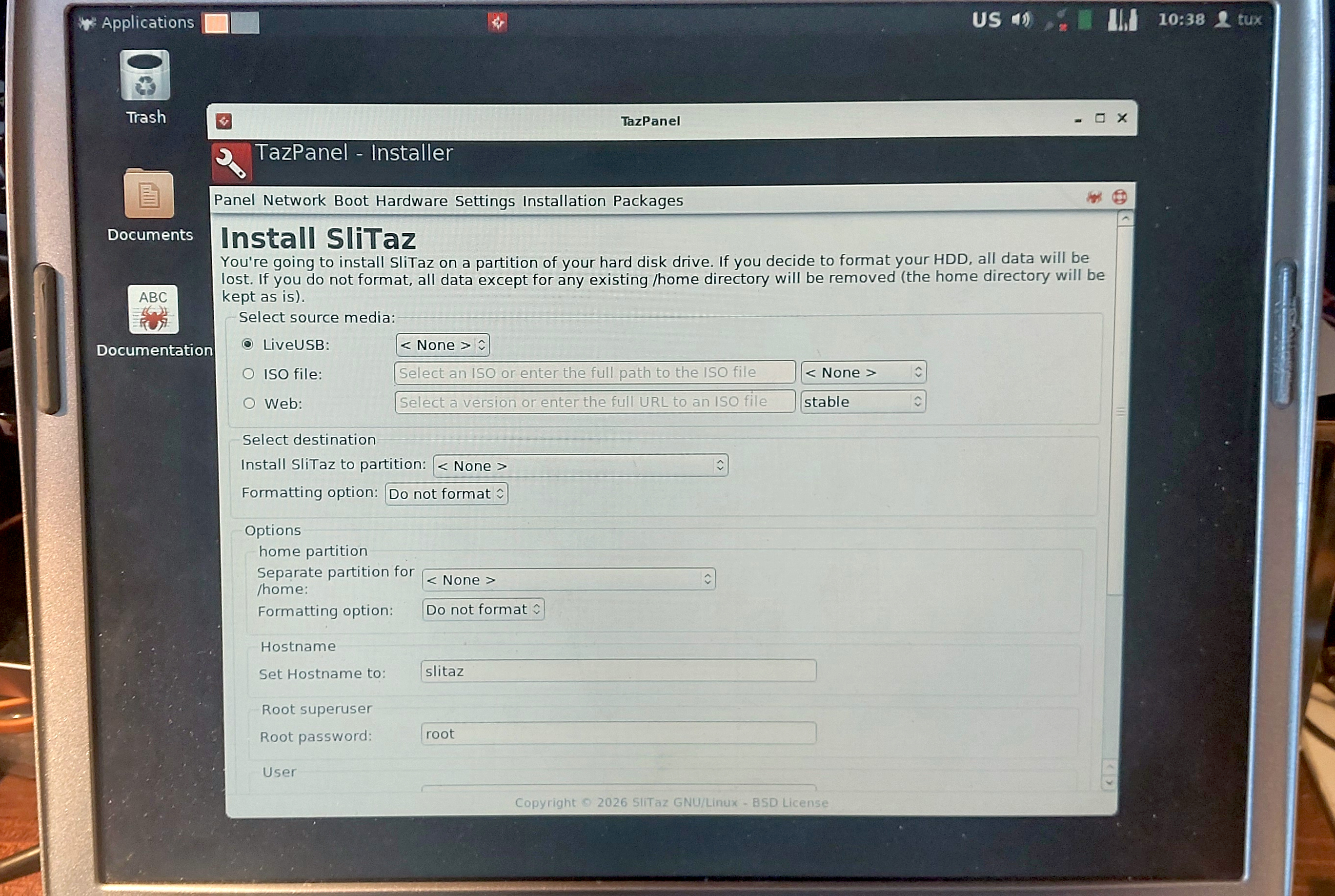
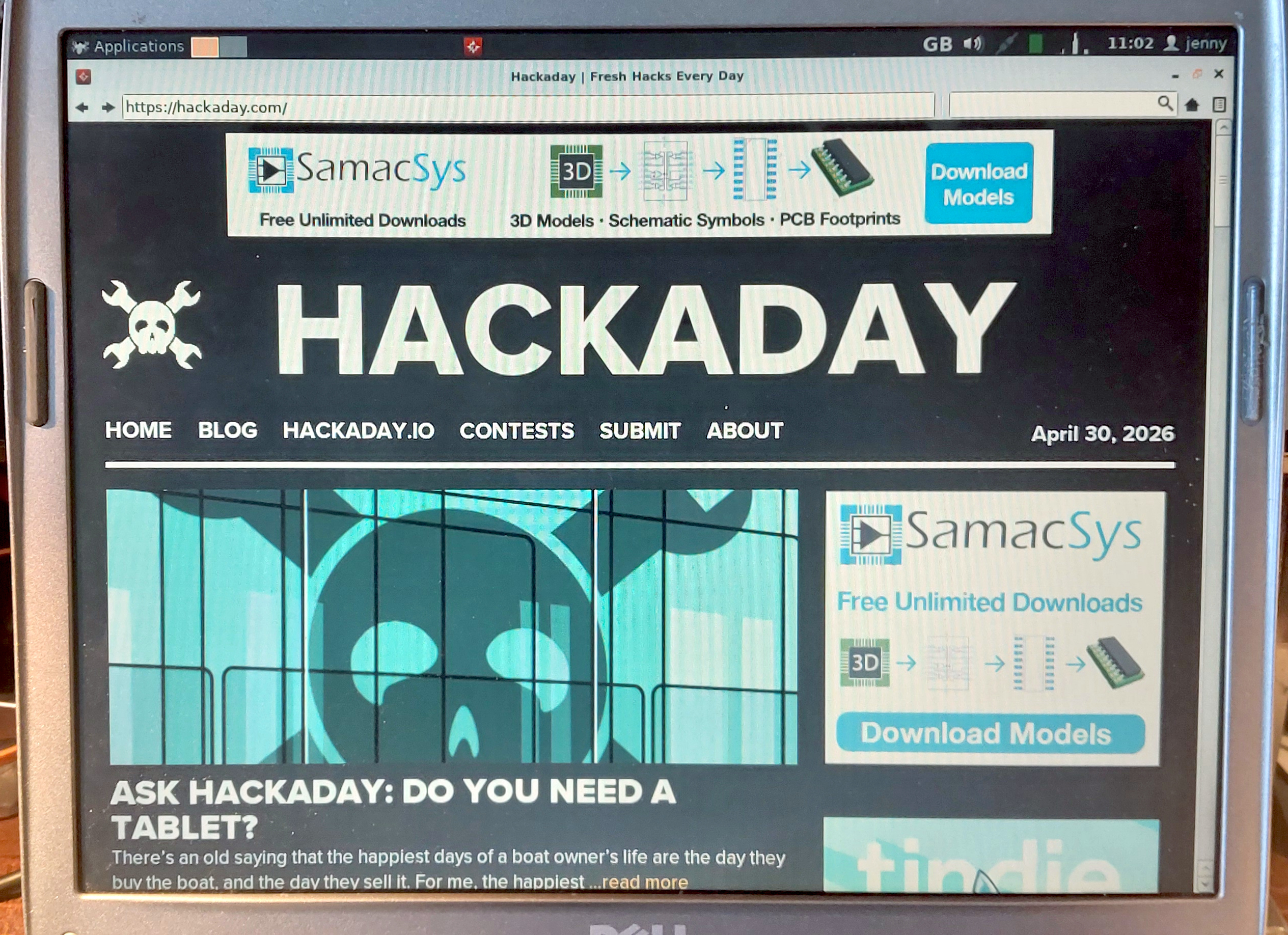
Graphical system administration is done through the Tazpanel application that as far as I can see uses the web browser, which soon had me connected to the internet and downloading GIMP so I could do my Hackaday work. The package library is comprehensive, which is pleasing to see. The default web browser is called Tazweb, which is modern enough to render most the sites I normally use, but which for some reason didn’t like Hackaday’s WYSIWYG editor so I was left writing in HTML source. It is quick though on this older hardware, something brought home to me when I downloaded Pale Moon. That browser is usable, but noticeably slow.
This was the first time using SliTaz for me, and I have to say I’m impressed. It’s small and fast compared to other full-fat distros I’ve used on machines of this age, and quirks aside, it’s easy to use and seems well supported. I’ve written most of this piece on it, and unlike some of the previous operating systems in this series, that has not been a painful experience. It has made the Dell into a useful machine again, one which while it’s no powerhouse, is at least no longer a piece of e-waste. There’s also a 64-bit version, making it a good choice for newer old hardware too. (The Raspberry Pi 1 port looks particularly interesting.)
Should You Though, Really?
So what have I proved here? A 21 year old 32 bit machine is a bit slow but still usable here in 2026 with the right software, which is to my mind a testament to the skill and dedication of open source developers and maintainers for keeping this ancient architecture alive. Researching this piece though it’s very obvious that much of the software necessary for modern computing is slipping out of 32 bit support, so I have to question how much longer they can keep it up. Considering that this machine has about the same intrinsic monetary value as a Core2-based machine made a little over a year later which supports 64 bit code I have to concede that what I’ve just done is a fairly pointless exercise. It’s necessary to keep old hardware usable as long as possible, but when it’s lasted over two decades as this one has them maybe we should concede that it’s time to move on. Find a 64-bit laptop from 2007, by all means install 64-bit SliTaz if you want a quick and small distro, and move forward with many more years of software support.
In a way the real star of this piece is the Dell itself. It was a corporate laptop, then as far as I know it was used by the Men In Sheds that shares the building with MK Makerspace, and when they tossed it I nabbed it to play with RevBank. Saved by a piece of Dutch open source software it’s sat unloved for years, and yet it’s still reliable, its battery still holds almost useful charge, its keyboard is robust if a little worn, and its joints are still tight. It’s a shame the architecture is sliding out of relevance, this is almost a useful laptop!