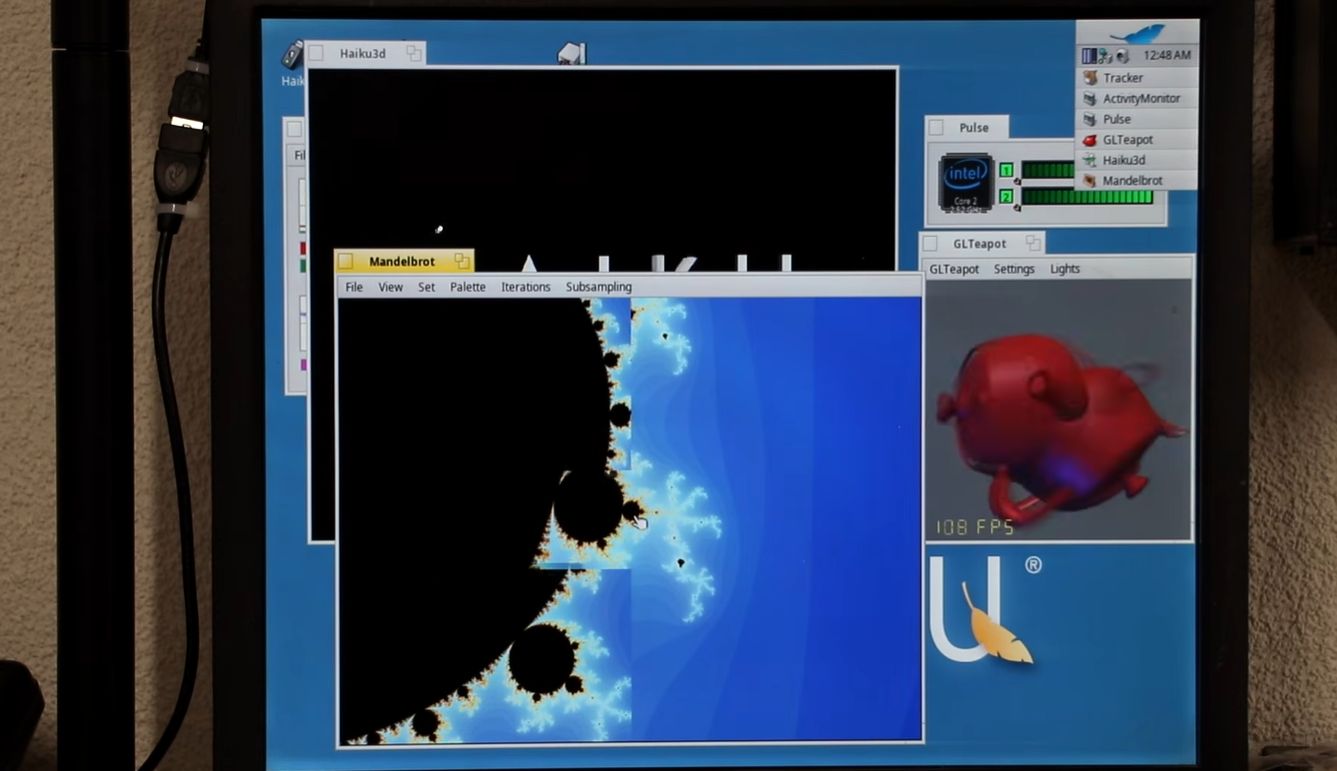
Although the number of uses for a 2009-era Mac Mini aren’t very long, using them to run new-and-upcoming operating systems like Haiku on would seem to be an interesting use case. This is what [The Phintage Collector] recently took a swing at, using both the 2024 Beta 5 release and a current nightly build. The focus was mostly on the 32-bit build, as this has binary compatibility with BeOS applications, but the 64-bit version of Haiku was of course also installed.
One of the main issues with these Mac systems is that they use EFI for the BIOS, so you’re condemned to either take your chances with the always glitchy CSM ‘classical BIOS’ mode, or to make Haiku and EFI get along. While for the 64-bit version of Haiku this wasn’t too much of a struggle, the 32-bit version ran into the problem that the 64-bit EFI BIOS really doesn’t like 32-bit software. After a while the 32-bit version of Haiku was thus abandoned for a later revisit.
With the 64-bit version a lot of things just work, though audio couldn’t be made to work even with a USB dongle, and there’s no hardware acceleration for graphics, so gaming isn’t really going to happen either. The positive thing here is probably that as a test system for 64-bit Haiku such a Mac Mini isn’t too crazy, it being just an Intel system with an Apple-flavor EFI BIOS.
If you’re into giving it a shot yourself, the video description page contains a lot of resources to consult.