The Linux world is currently seeing an explosion in new users, thanks in large part to Microsoft turning its Windows operating system into the most intrusive piece of spyware in modern computing. For those who value privacy and security, Linux has long been the safe haven where there’s reasonable certainty that the operating system itself isn’t harvesting user data or otherwise snooping where it shouldn’t be. Yet even after solving the OS problem, a deeper issue remains: the hardware itself. Since around 2008, virtually every Intel and AMD processor has included coprocessors running closed-source code known as the Intel Management Engine (IME) or AMD Platform Security Processor (PSP).
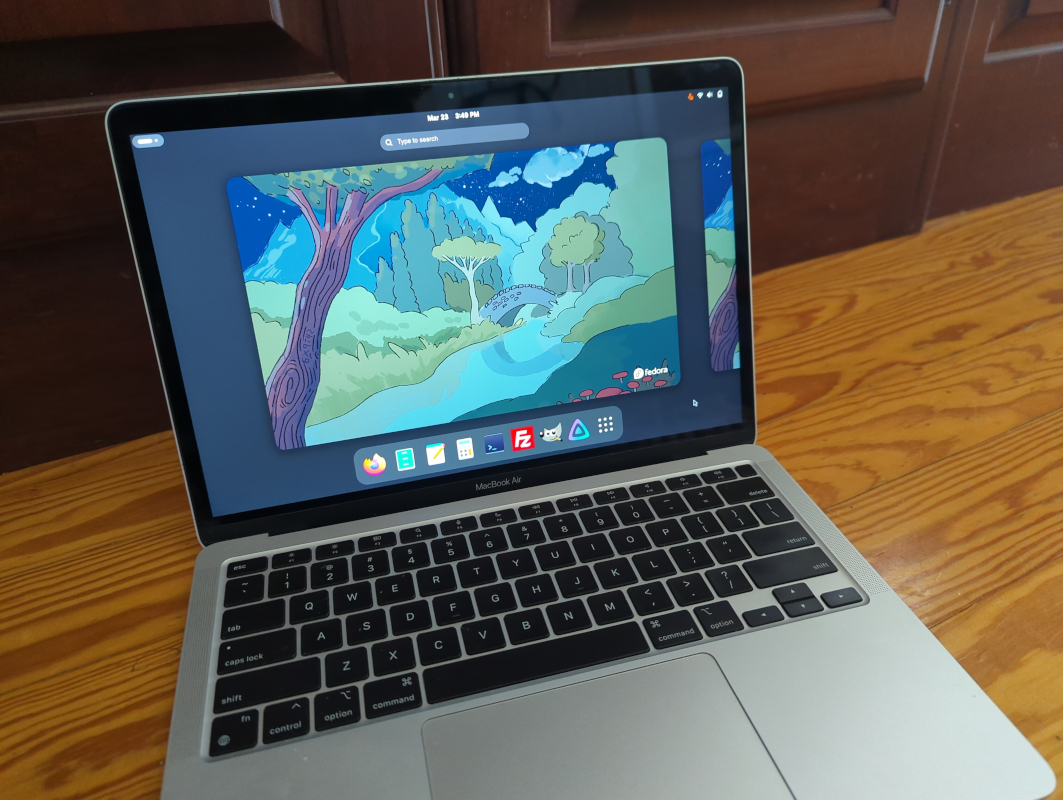
These components operate entirely outside the user’s and operating system’s control. They are given privileged access to memory, storage, and networking and can retain that access even when the CPU is not running, creating systemic vulnerabilities that cannot be fully mitigated by software alone. One practical approach to minimizing exposure to opaque management subsystems like the IME or PSP is to use platforms that do not use x86 hardware in the first place. Perhaps surprisingly, the ARM-based Apple M1 and M2 computers offer a compelling option, providing a more constrained and clearly defined trust model for Linux users who prioritize privacy and security.
Before getting into why Apple Silicon can be appealing for those with this concern, we first need to address the elephant in the room: Apple’s proprietary, closed-source operating system. Luckily, the Asahi Linux project has done most of the heavy lifting for those with certain Apple Silicon machines who want to go more open-source. In fact, Asahi is one of the easiest Linux installs to perform today even when compared to beginner-friendly distributions like Mint or Fedora, provided you are using fully supported M1 or M2 machines rather than attempting an install on newer, less-supported models. The installer runs as a script within macOS, eliminating the need to image a USB stick. Once the script is executed, the user simply follows the prompts, restarts the computer, and boots into the new Linux environment. Privacy-conscious users may also want to take a few optional steps, such as verifying the Asahi checksum and encrypting the installation with LUKS but these steps are not too challenging for experienced users.
Black Boxes
Changing the operating system on modern computers is the easy part, though. The hard part is determining exactly how much trust should be placed in the underlying hardware and firmware of any given system, and then deciding what to do to make improvements. This is where Apple Silicon starts to make a compelling case compared to modern x86 machines. Rather than consolidating a wide range of low-level functionality into a highly privileged black box like the IME or PSP, Apple splits these responsibilities more narrowly, with components like the Secure Enclave focusing on specific security functions instead of being given broad system access.
Like many modern systems, Apple computers include a dedicated security coprocessor alongside the main CPU, known as the Secure Enclave Processor (SEP). It runs a minimal, hardened operating system called sepOS and is isolated from the rest of the system. Its primary roles include securely storing encryption keys, handling sensitive authentication data, and performing cryptographic operations. This separation helps ensure that even if the main operating system is compromised, secrets managed by the SEP remain protected.
The Chain of Trust
To boot an Apple Silicon computer, a “chain of trust” is followed in a series of steps, each of which verifies the previous step. This is outlined in more detail in Apple’s documentation, but starts with an immutable boot ROM embedded in the system-on-chip during manufacturing. It first verifies early boot stages, including the low-level bootloader and iBoot, which in turn authenticate and verify the operating system kernel and system image before completing the boot process. If any of these verification steps fail, the system halts booting to prevent unauthorized or compromised code from executing.
Perhaps obvious at this point is that Apple doesn’t sign Asahi Linux images. But rather than allowing unrestricted execution like many PCs, or fully locking down the device like a smartphone, Apple’s approach takes a middle way. They rely on another critical piece of “security hardware” required to authorize that third-party OS: a human user. The Asahi Linux documentation discusses this in depth, but Apple’s secure boot system allows the owner of the computer to explicitly authorize additional operating systems by creating a custom boot policy within the user-approved trust chain. In practice, this means that the integrity of the boot process is still enforced, but the user ultimately decides what is trusted. If a boot component is modified outside of this trust chain, the system will refuse to execute it. In contrast to this system, where secure boot is enforced by default and only relaxed through explicit user action, x86 systems can treat these protections as optional. A motivated x86 user can achieve a comparable level of security, but they must assemble and maintain it themselves, as well as figure it out in the first place.
Reducing the Attack Surface
The limited scope of Apple’s Secure Enclave gives it a much smaller attack surface compared to something like the Intel Management Engine. As mentioned before, the IME combines a wider range of functionality, including features designed for low-level remote system management. This broader scope increases its complexity and, by extension, its attack surface which has led to several high-profile vulnerabilities. Apple’s Secure Enclave, by contrast, is designed with a much narrower focus. That’s not to say it’s a perfect, invulnerable system since it’s also a closed-source black box, but its limited responsibilities inherently reduce that attack surface.
It’s also worth mentioning that there are a few other options for those who insist on x86 hardware or who refuse to trust Apple even in the most minimal amount, but who still consider the IME and its equivalents as unacceptable security risks. Some hardware manufacturers like NovaCustom and even Dell have given users the option of disabling the IME (although this doesn’t remove it entirely), and some eight and ninth generation Intel machines can have their management engines partially disabled by the user as well. In fact these are the computers that my own servers are based on for this reason alone. Going even further, it is possible to get a 2018-era Thinkpad to run the open-source libreboot firmware. However, libreboot installations can become extremely cumbersome, and even then you’ll be left with a computer that lacks the performance-per-watt and GPU capabilities of even the lowest-tier M1 machines. In my opinion, this compromise of placing a kernel of trust in Apple is the lesser evil for most people in most situations, at least until libreboot is able to support more modern machines and/or until the libreboot installation process is able to be streamlined.
I’ll also note here that Apple is far from a perfect company. Their walled garden approach is inherently anti-consumer, and they’ve rightly taken some criticism for inflating hardware costs, deliberately making their computers difficult to repair, enforcing arbitrary divisions between different classes of products to encourage users to buy more devices, and maintaining a monopolistic and increasingly toxic app store.
But buying an M1 or M2 machine on the used market won’t directly give Apple any money, and beyond running the Asahi installer script doesn’t require interacting with any Apple software or their ecosystem in any way, beyond the initial installation. I’ve argued in the past that older Apple computers make excellent Linux machines for these reasons as well, and since the M1 and M2 machines eliminate the IME risk of these older computers they’re an even better proposition, even without considering the massive performance gains possible.
Ultimately, though, the best choice of hardware depends on one’s threat model and priorities. If the goal is to minimize exposure to IME/PSP-level risks while retaining semi-modern performance, an M1/M2 Mac with Asahi Linux is one of the best options available today. But if fully open hardware is non-negotiable, you’ll need to accept older or less powerful machines… for now.